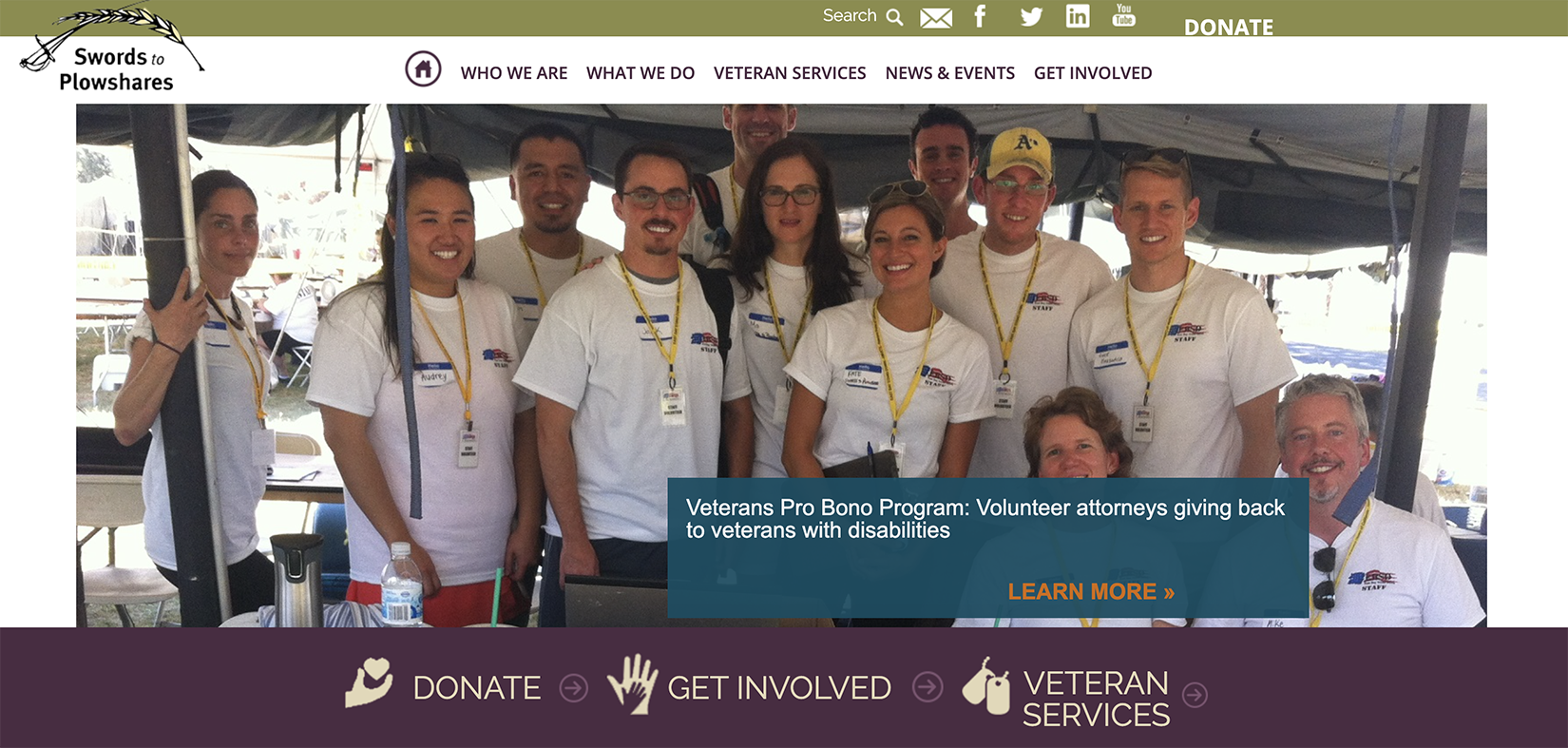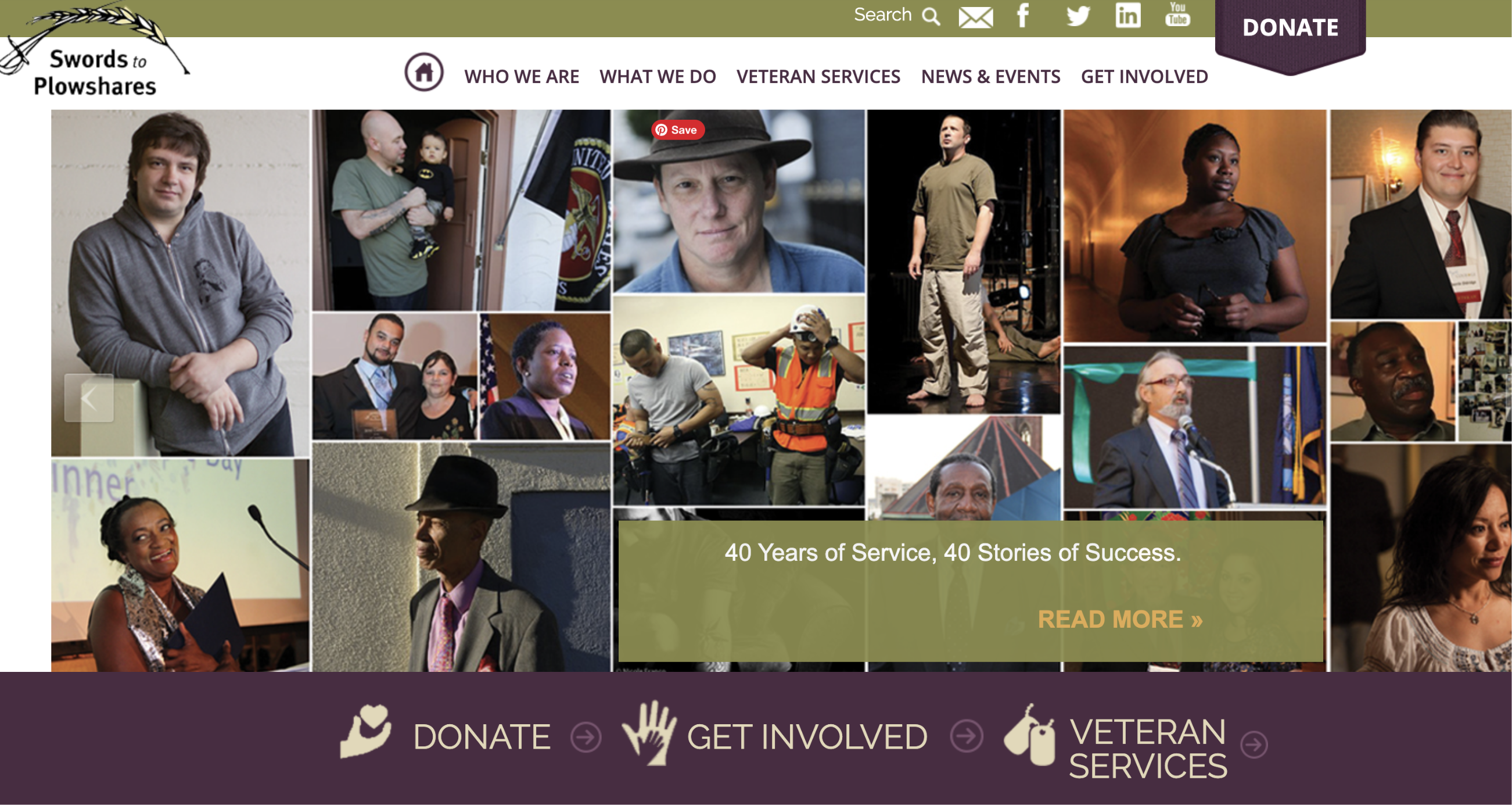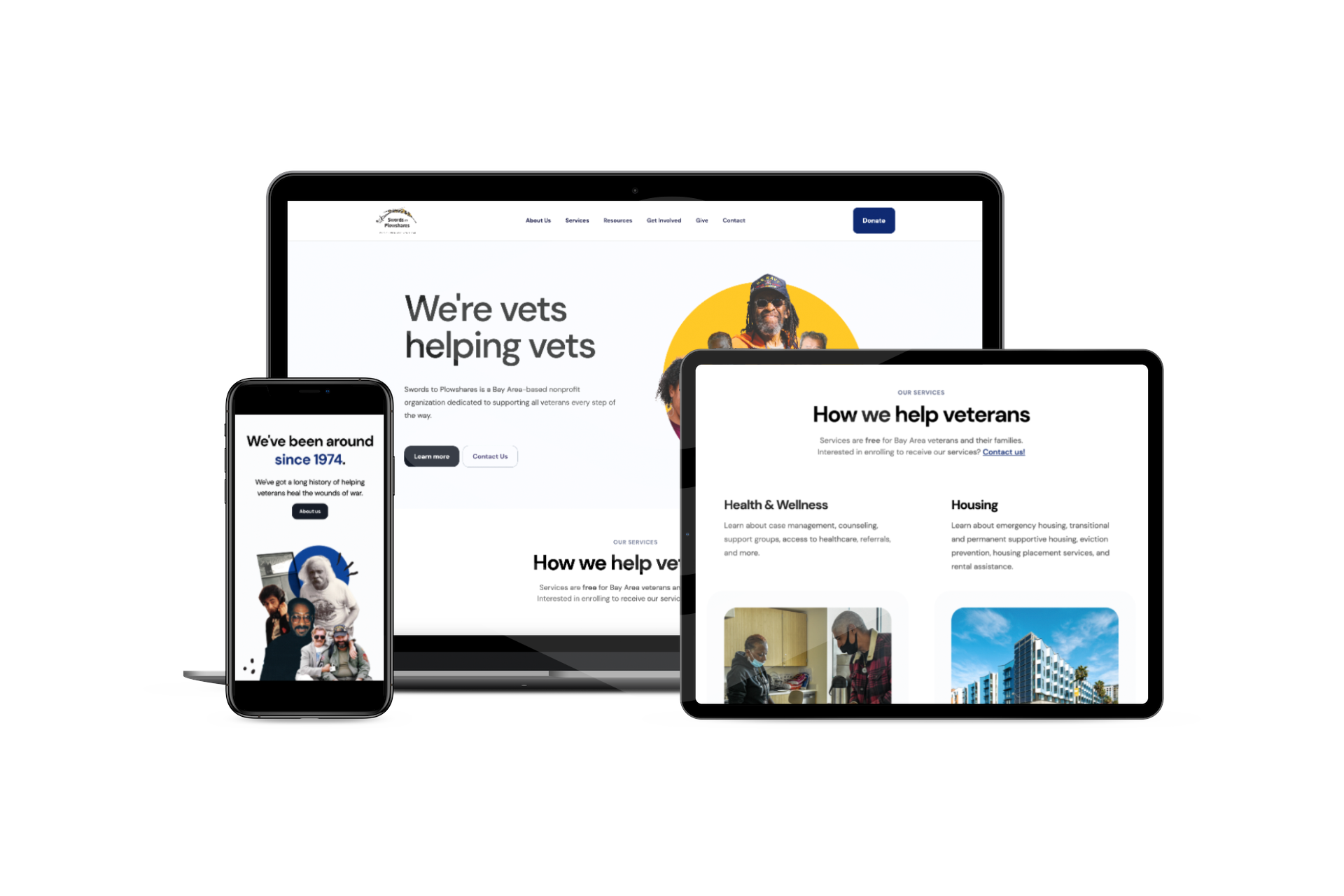
As the sole designer in the organization, I was responsible for managing this project from start to finish, including user and technology research, stakeholder communications, ideation, UX/UI, no-code development (visual design, CMS, and integrations), brand and creative strategy, photography, and ongoing maintenance.
Colleen Corliss — Content
Chief Development Officer
Soo Kim — Project Management
Assistant Director of External Affairs
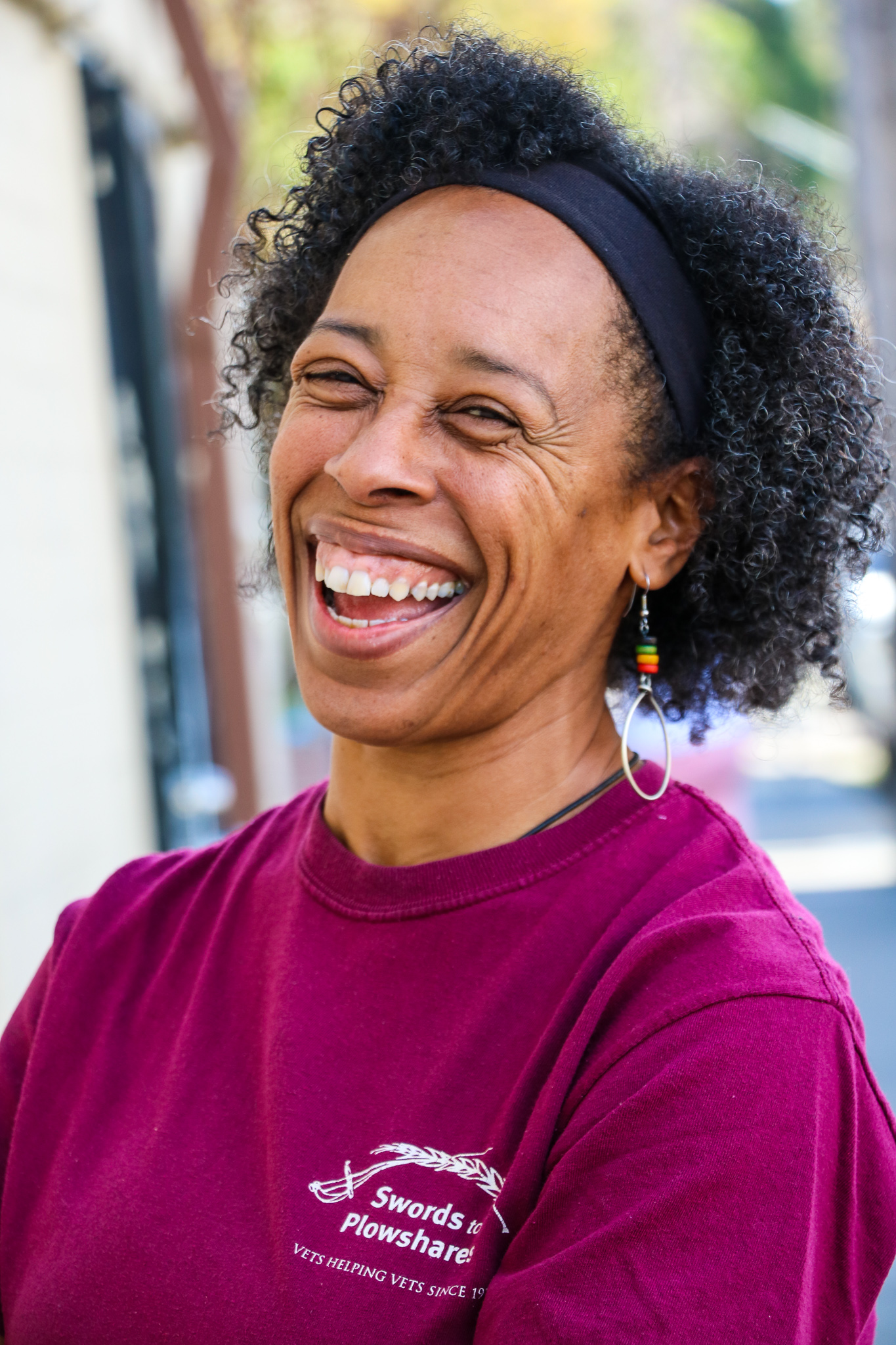
At Swords, we are committed to providing support to veterans in need. However, we also recognize the significance of our website in attracting and retaining donors, as well as serving other user groups such as service providers and individuals seeking information.
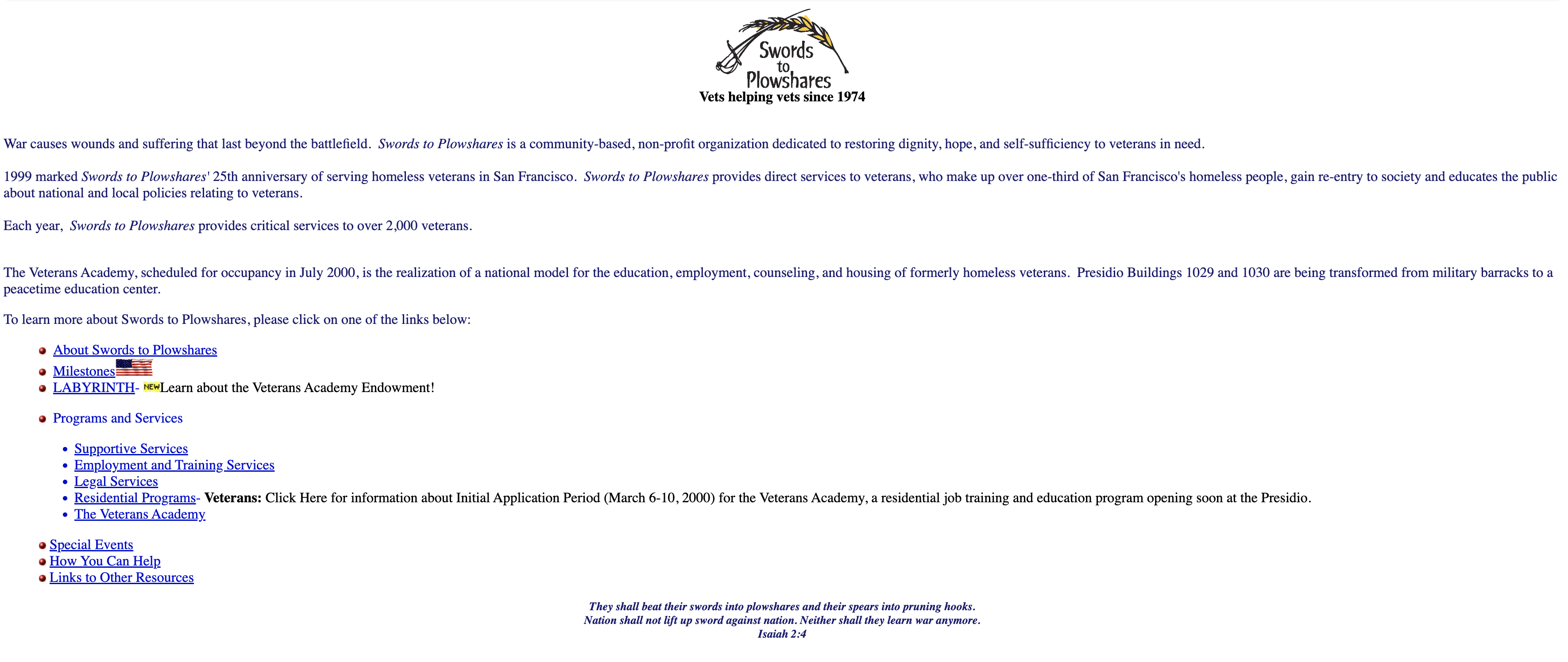
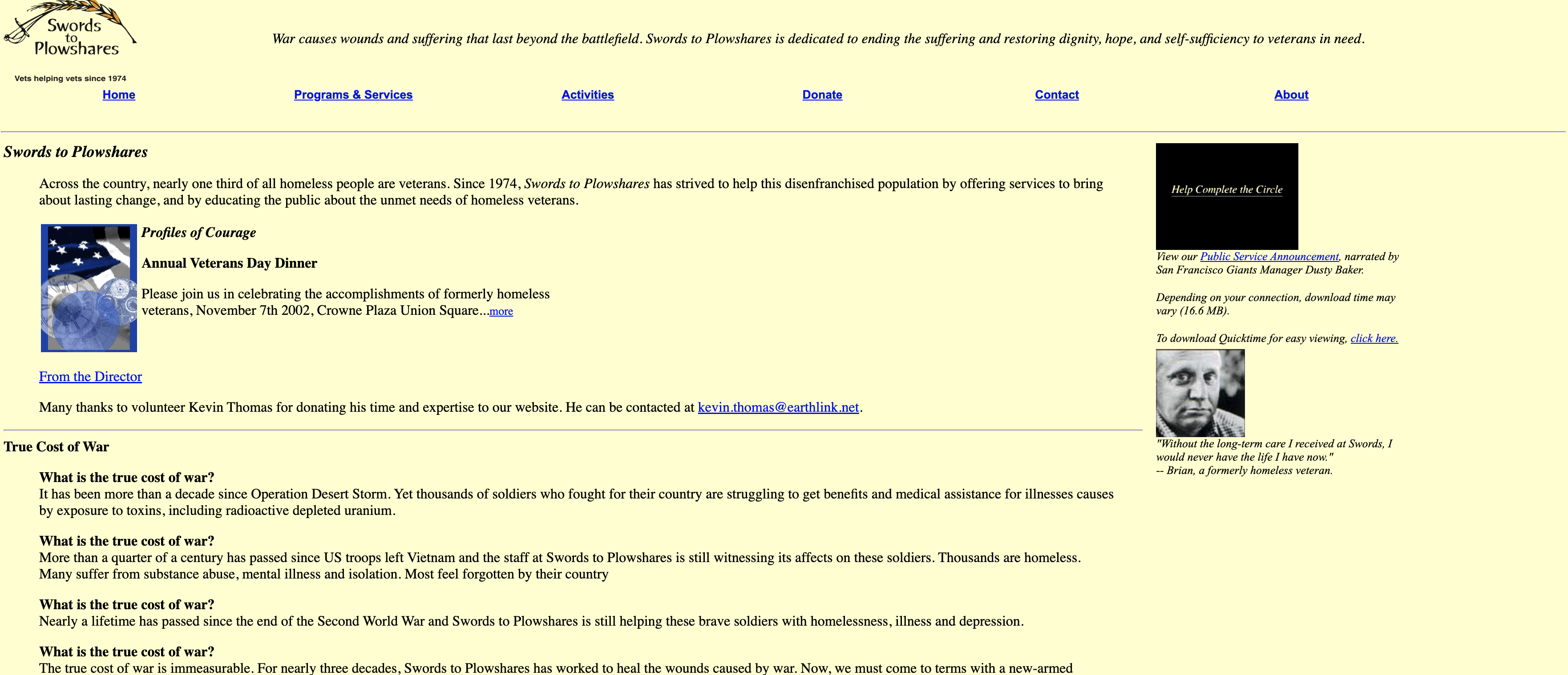
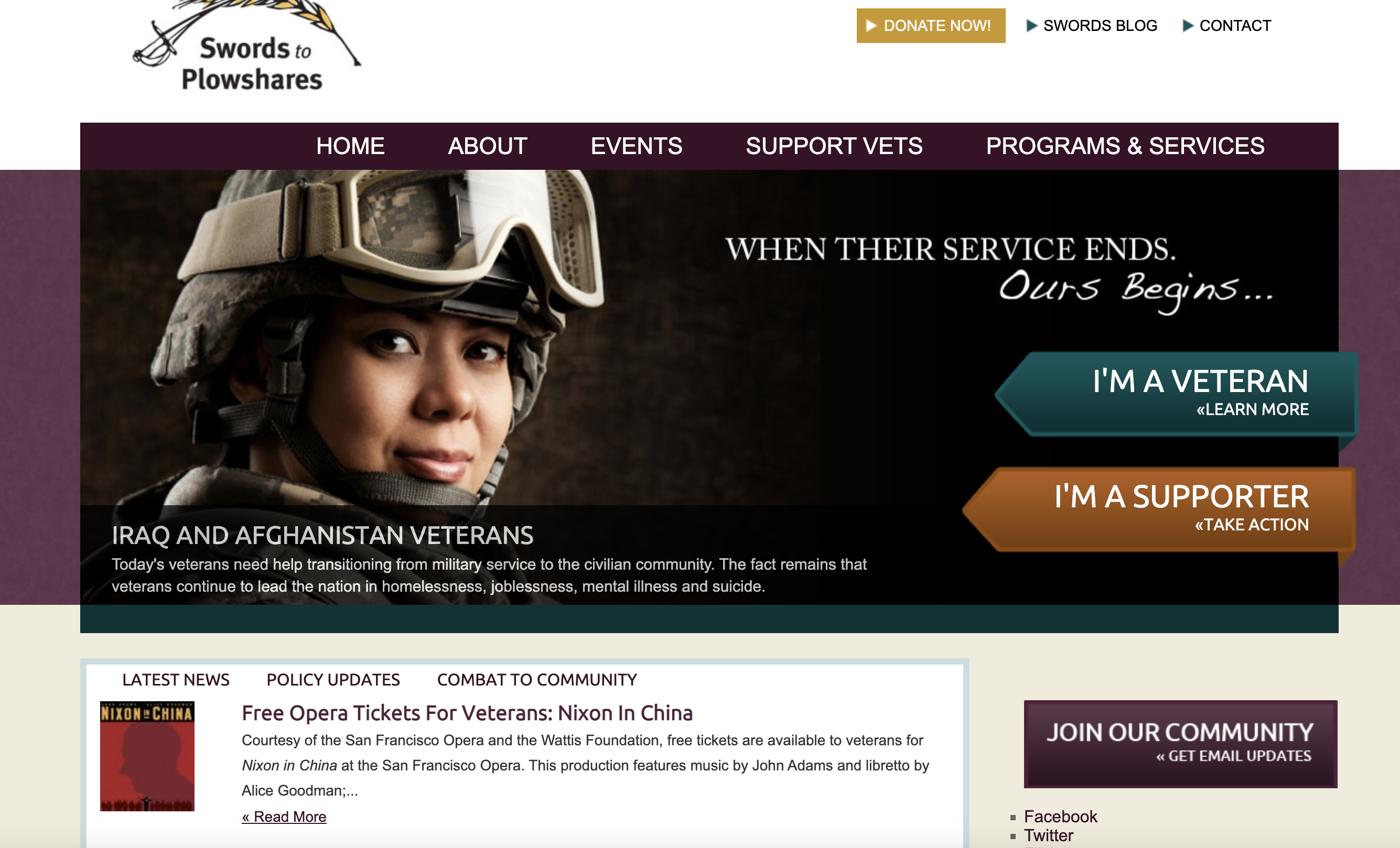
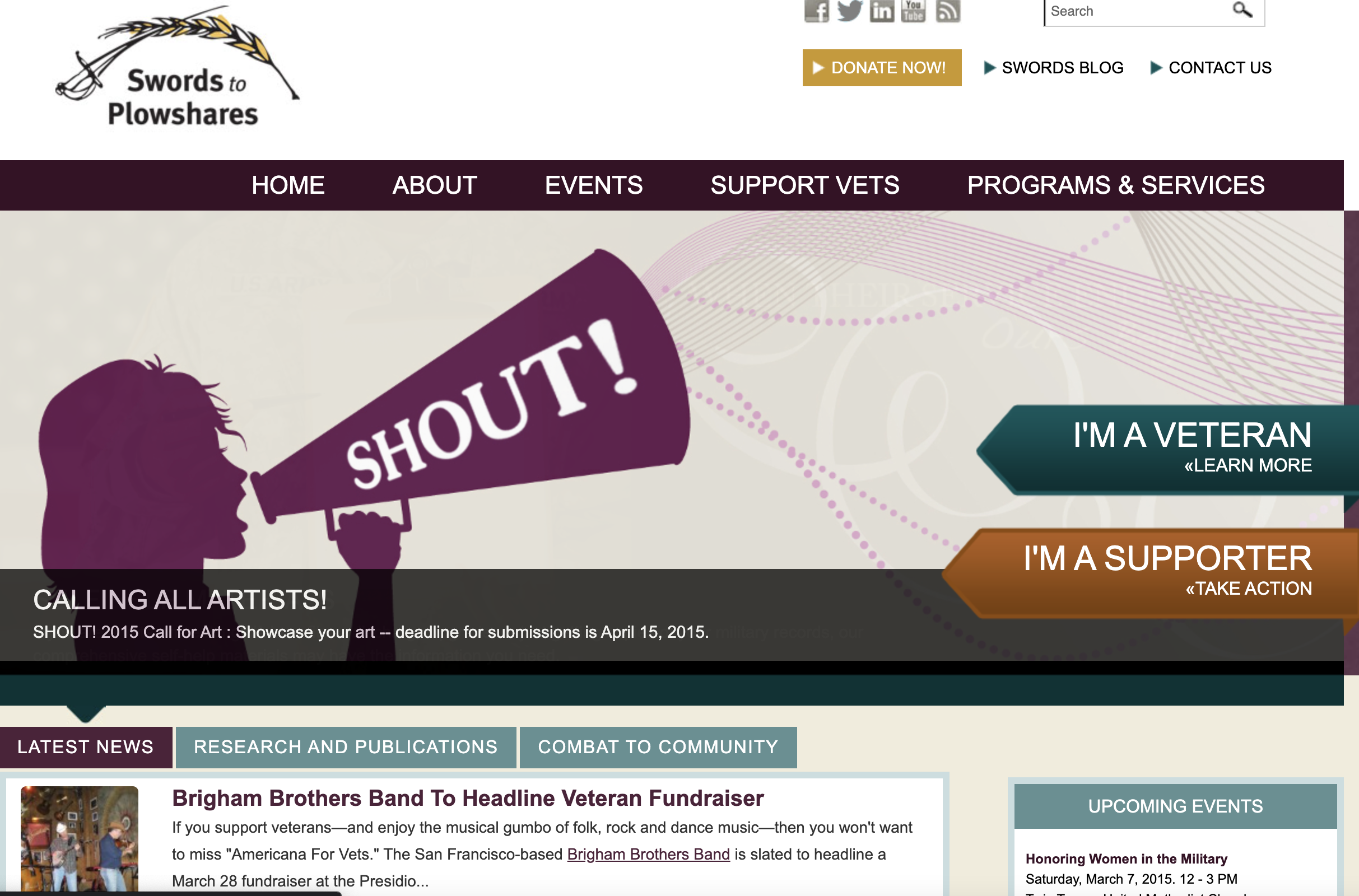
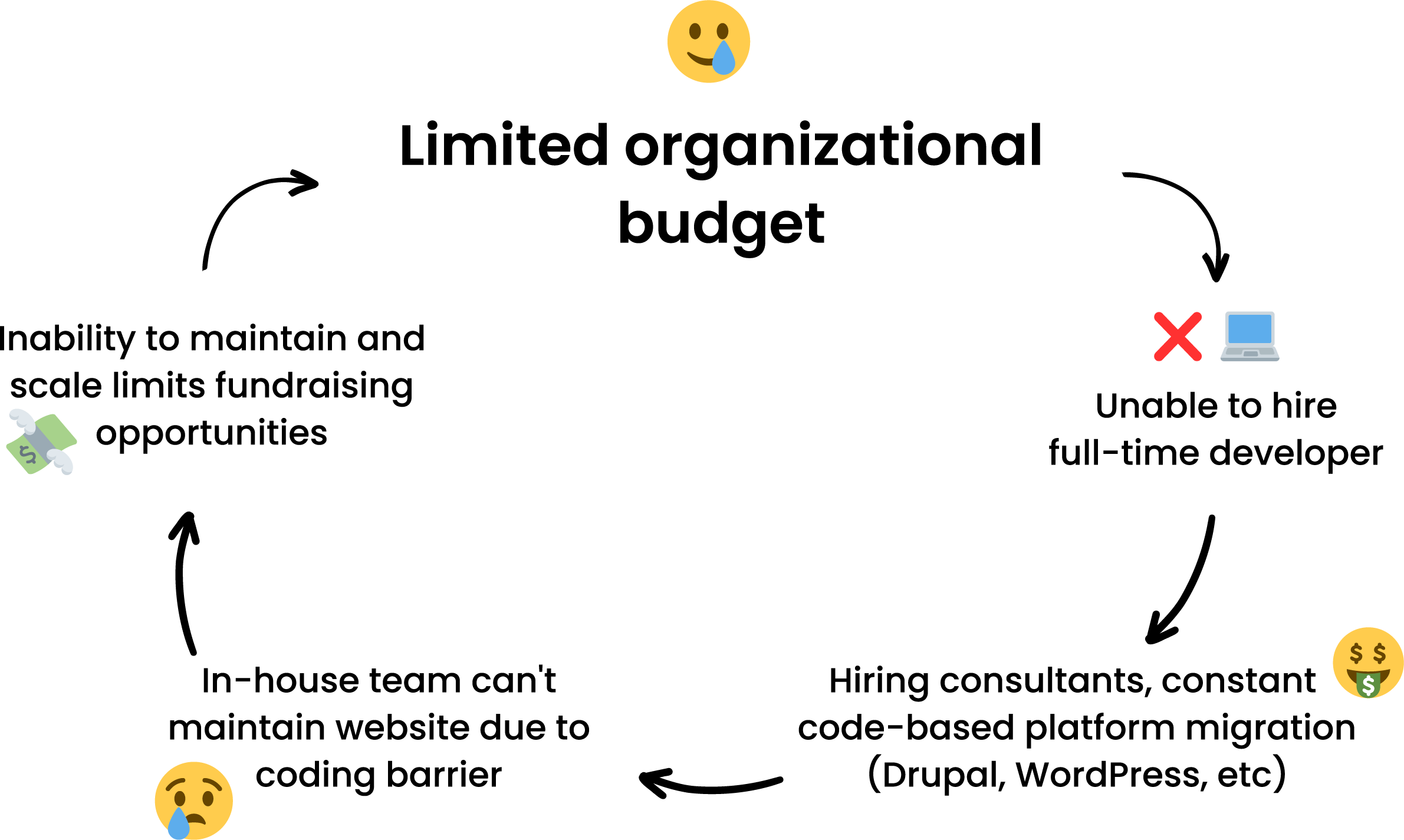
Having a properly maintained website makes a world of a difference when trying to fundraise for a cause. Running on WordPress, our in-house team did not have the proper coding skills to fit the website to our needs. The problem intensified during the beginning of the COVID-19 pandemic where we could not build a landing page to fundraise additional costs to keep our doors open.
We've undergone costly and time-consuming CMS platform migrations in the past, such as WordPress and Drupal overhauls, which made stakeholders reluctant to approve this project. As a result, we've struggled to justify investing in hiring a full-time developer or another consultant to address website maintenance issues.
This creates a conundrum that nonprofits face: how do we maintain and scale our website without it being expensive?
Research industry for platforms & integrations that fit our needs.
We needed to find a platform that would seamlessly integrate with our current operations, be easy enough to learn and teach others to maintain, and be cost-effective within our budget.
Restructure the content on our website to reflect inclusive organizational priorities.
There was a risk that having too much content on our website would lead to clients self-diagnose without proper guidance.
Balance client and donor user experience through improved navigation.
Should our website be more donor-facing or client-centered? Many non-profits have implemented mega-menus to tackle on the challenge of catering the navigational experience towards a wide audience.
Uplift our brand through meaningful and inclusive story-driven narratives & imagery.
Changing our brand imagery with inspiring, candid, and diverse catalogue of on-the-ground photos invites users to join us.
Non-profits usually don't have budgets to hire in-house creative or technical staff. Before starting on this project, I approached four design firms with a specialization in philanthropy. The quotes received ranged from $25,000 to $45,000, which was beyond the reach of the organization's budget.
To reduce expenses, I proposed taking on the project in-house and gained support by presenting Webflow as a cost-effective alternative.


Total includes base price of platform and additional intergrations and plugins
Hiring developers is typically more expensive due to the nature of their training and background. Currently, this is our in-house team.

How easy is it to use?
Skills/languages required to build and maintain website
Total needed for necessary functionality
Including learning curve for non-technical staff, functionality, etc.
Meet the diverse users of Swords to Plowshares website
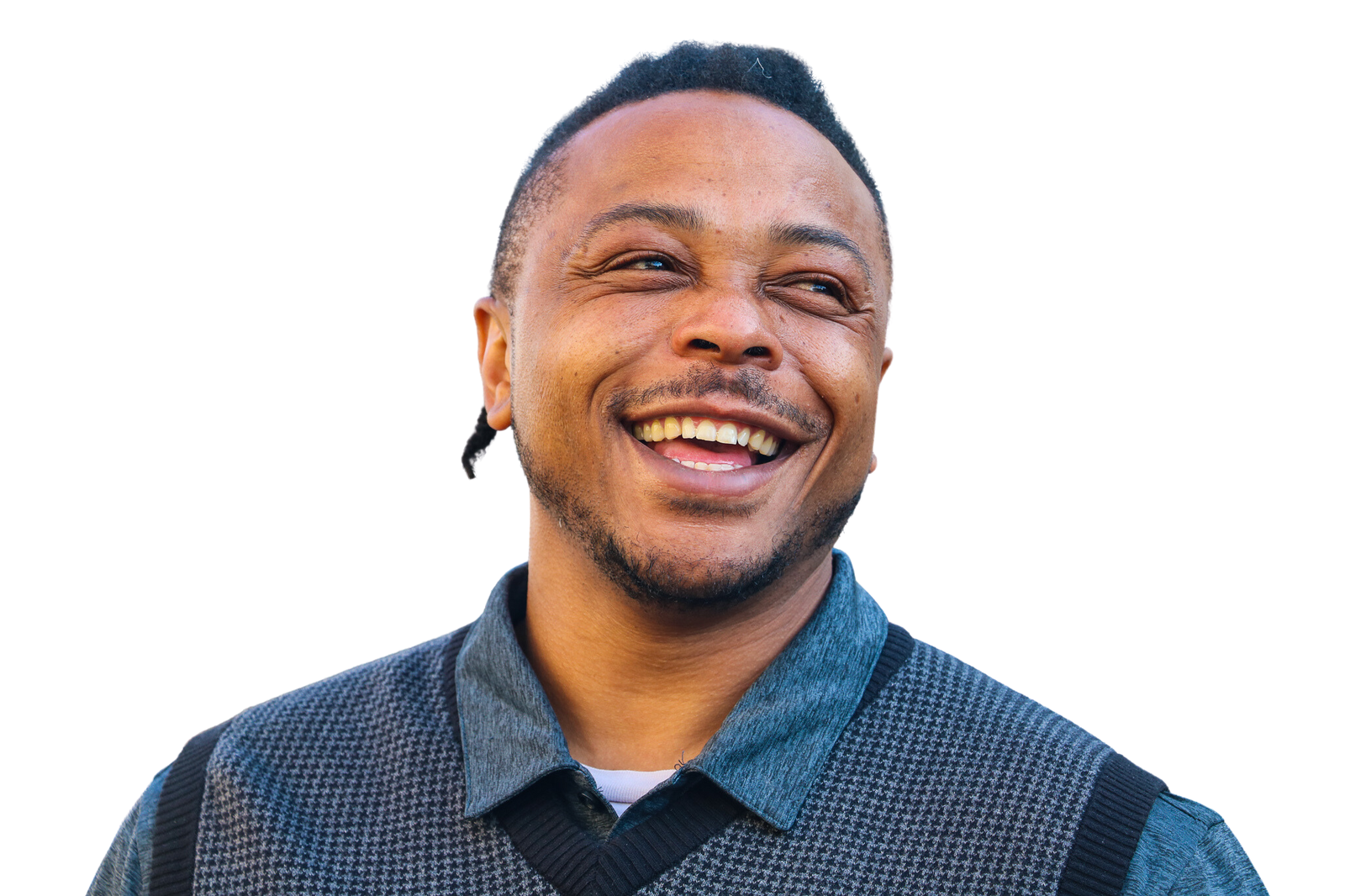
We recieve many visits from veterans around the U.S. seeking out assistance. However, we can only serve those who live in the Bay Area due to limited funding. Clients seeking help are usually experiencing homelessness, over 55 years old, and are low-income by HUD standards.
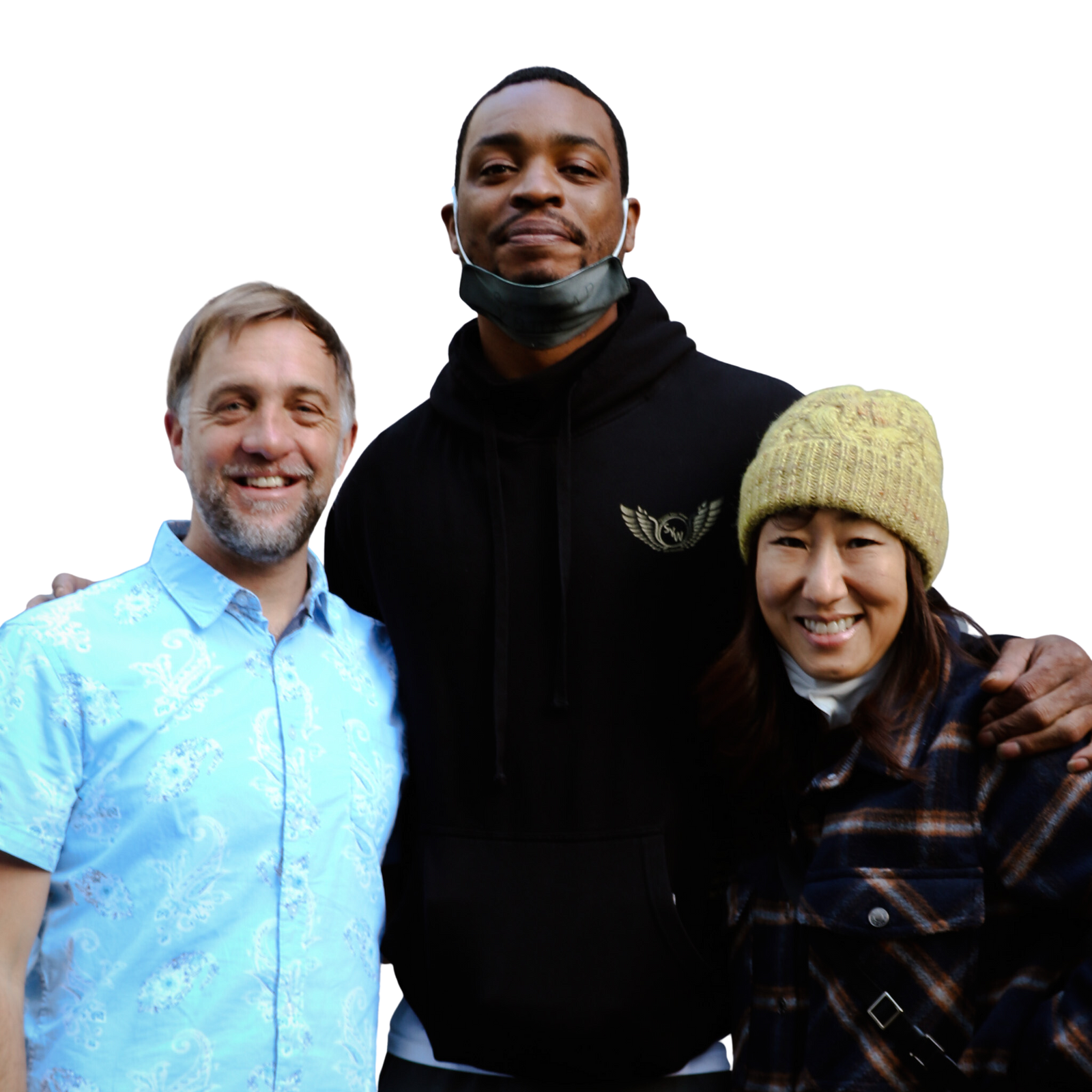
The organization receives funding from various sources, including federal and local governments, foundations, sponsors, and donors. In the past year alone, our online transactions have raised nearly $190,000. Other ways to support our work is through corporate volunteering and in-kind donations.
We play a dual role of being a service provider and educator. We release self-help guides, research and publications, and other resources to help others learn about veterans issues.